When you attempt to restore or update your iPhone via iTunes or Finder, receiving a notification about Error 11 is one of the most frustrating experiences for an Apple user. Unlike common software glitches that can be resolved with a simple restart, this specific error code points toward a fundamental communication breakdown within the device's architecture. It signifies that the recovery process has stalled during the interaction between the computer and the device's baseband hardware components.
The baseband processor is the dedicated chip responsible for managing all radio communications, including cellular connectivity, Wi-Fi, and Bluetooth functions. When the restore process fails, it is often because the software cannot communicate with the EEPROM, a specific type of memory chip that stores calibration data and identity information for the baseband. Understanding this technical barrier is the first step toward determining whether your device requires a simple firmware patch or a significant hardware intervention.
This guide provides a comprehensive breakdown of why Error 11 occurs, how to perform preliminary diagnostics, and what the reality of hardware-level failure means for the longevity of your device. By following these structured troubleshooting steps, you can distinguish between a recoverable software hang and a permanent physical component failure.
Understanding the Root Causes of Error 11
The Relationship Between Baseband and EEPROM
The baseband processor acts as the primary brain for cellular connectivity, but it cannot function in isolation. It relies on the EEPROM (Electrically Erasable Programmable Read-Only Memory) to hold critical configuration data required to initiate the radio frequency handshake. During a restore, the Apple server sends a specific signature to the device; if the baseband processor cannot verify its own identity or access the stored data in the EEPROM, the restore process terminates abruptly, resulting in Error 11.
Most instances of this error are triggered by a corruption in the communication bridge between these two components. While the physical chips may still be intact, the microscopic pathways, known as traces, on the logic board may have developed hairline fractures due to physical impact or liquid exposure. These fractures prevent the necessary data transfer, leading the restore software to conclude that the hardware is non-responsive.
Common Triggers for Hardware Failure
Beyond internal data corruption, physical damage remains the leading cause of this specific failure. High-impact drops can cause the solder balls connecting the baseband chip to the logic board to detach or crack. This phenomenon, often referred to as a cold solder joint, is common in older iPhone models where the internal components have been subjected to repeated thermal stress or physical pressure.
Liquid damage also plays a significant role in the development of Error 11. Even a small amount of moisture can cause oxidation on the pins of the baseband EEPROM. Over time, this oxidation creates high resistance or complete short circuits, making it impossible for the baseband processor to read the necessary boot information. Once this happens, the device enters a boot loop or a permanent recovery mode, as the system firmware cannot be verified.
Preliminary Diagnostic Procedures
Isolating Software Conflicts
Before concluding that you are dealing with a hardware failure, you must rule out potential software-side interruptions. Apple's restore process is highly sensitive to the connection between your computer and the iPhone. Always start by using an original Apple Lightning or USB-C cable. Third-party cables often lack the necessary shielding for high-speed data transfer, which can lead to packet loss during the firmware installation phase, triggering an error code that mimics hardware failure.
Ensure that your computer is running the latest version of macOS or the most recent iteration of iTunes on Windows. Outdated software libraries may not recognize the latest bootloader signatures required for your specific iPhone model. Furthermore, disable any third-party security software or firewalls during the process, as these programs can inadvertently block the communication ports required for the iPhone to speak with Apple's authentication servers.
Using DFU Mode for Deep Recovery
If a standard recovery mode restore fails, the next step is to attempt a Device Firmware Update (DFU) mode restore. DFU mode is the deepest restore state possible, as it bypasses the operating system and the bootloader entirely, communicating directly with the hardware-level boot ROM. If you still encounter Error 11 while in DFU mode, the probability of a hardware-level defect increases significantly.
To enter DFU mode, connect your device to the computer, launch the restore software, and perform the specific button sequence for your iPhone model. If the progress bar on the screen moves slightly further than it did during the standard recovery attempt before failing, it suggests that the baseband processor is attempting to initialize but is failing to verify the EEPROM data. This is a definitive sign that the issue is likely not a software bug, but a hardware malfunction.
Evaluating Hardware Repair Feasibility
Micro-Soldering and Component Replacement
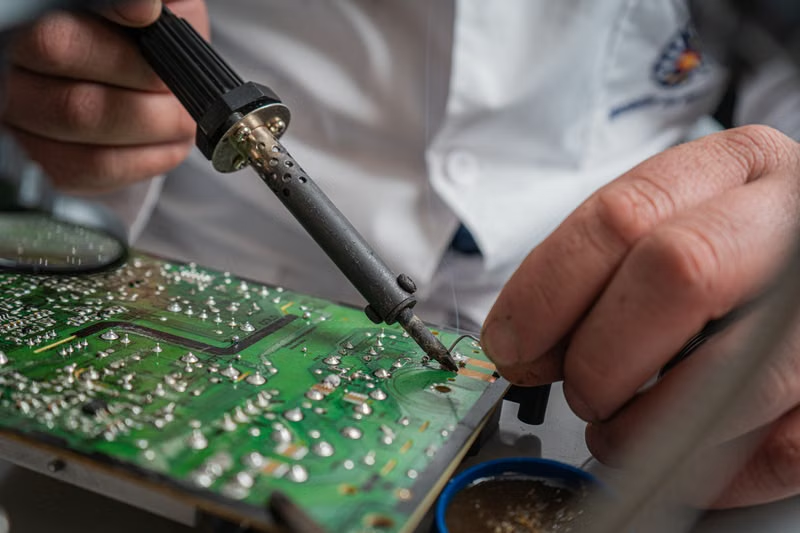
When the baseband EEPROM or the processor itself has suffered physical damage, standard consumer-level troubleshooting is no longer effective. This requires micro-soldering, a specialized field of electronics repair that involves working under a microscope to bridge broken traces or replace damaged chips. In many cases, the EEPROM must be desoldered and its data read by an external programmer to determine if the corruption is permanent.
Repairing baseband issues is inherently risky because the baseband chip is uniquely paired to the CPU of your iPhone. You cannot simply swap a baseband chip from one phone to another. The repair usually involves reflowing the solder underneath the chip or repairing the specific lines on the logic board that connect the baseband to the EEPROM. This is a delicate procedure that requires high-level expertise and specialized equipment.
When to Consider Professional Services
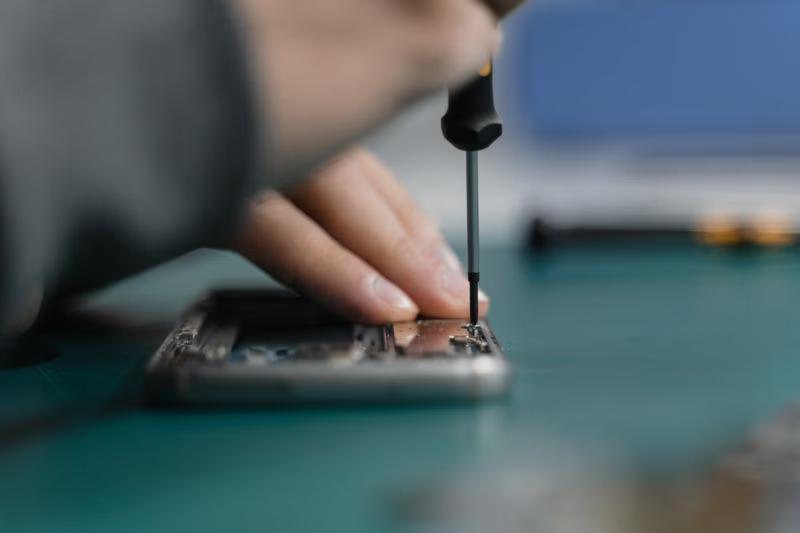
If you do not have experience with high-density PCB repair, attempting to fix Error 11 yourself will almost certainly result in irreversible damage to the logic board. The heat required to reflow chips can easily desolder nearby components if not managed with professional-grade hot air stations. Professional repair shops that specialize in data recovery are often the best choice if you are attempting to save photos or messages from a phone that has succumbed to this error.
When evaluating a repair service, ensure they offer a diagnostic service rather than a flat-rate repair. A reputable technician will be able to confirm whether the EEPROM data is intact or if the baseband processor itself has been destroyed. If the baseband processor is dead, the cost of repair often exceeds the current market value of the device, making a replacement device a more logical financial decision.
Comparison of Common Restore Errors
| Error Code | Common Cause | Hardware vs Software |
|---|---|---|
| Error 9 | Communication timeout/USB connection | Usually software/cable |
| Error 11 | Baseband/EEPROM communication failure | Primarily hardware |
| Error 4013 | Sensor/Logic board failure | Often hardware |
| Error 53 | Touch ID/Hardware mismatch | Hardware |
Preventive Measures for iPhone Longevity
Protecting the Logic Board from Stress
Physical trauma is the silent killer of iPhone baseband integrity. Using a high-quality, impact-resistant case is the simplest way to prevent the logic board from flexing during drops. When the chassis flexes, the logic board flexes with it, which is exactly when solder joints underneath the baseband chip are most likely to crack. A rigid case significantly reduces the amount of mechanical stress transmitted to the internal electronics.
Environmental Considerations
Humidity and moisture are often overlooked as contributors to baseband failure. Avoid using your phone in environments with high condensation, such as bathrooms, as the internal components are not always perfectly sealed against vapor. Even if the device is rated for water resistance, this rating degrades over time as the adhesive seals around the display and buttons break down. Keeping the device dry is essential to preventing the oxidation of the delicate contact points of the EEPROM.
Conclusion
Apple Restore Error 11 serves as a definitive indicator of a hardware-level failure involving the iPhone's baseband processor and its EEPROM storage. While initial troubleshooting steps like using original cables and attempting a DFU mode restore can eliminate software-based variables, the persistence of this error usually confirms a physical defect on the logic board, such as broken solder joints or oxidized components. Because the baseband is cryptographically paired to the device's CPU, repairs are highly complex and require professional micro-soldering intervention. If your device displays this error, it is advisable to prioritize data recovery and consult with a specialist, as the underlying hardware damage often renders the device non-functional for long-term use.
Frequently Asked Questions
Can I fix Error 11 by simply resetting my iPhone?
No. A standard reset or factory wipe only addresses software-level configurations. Because Error 11 is a hardware-level communication failure, the device cannot complete the handshake required to finish the restore process, meaning a reset will not bypass the baseband issue.
Is my iPhone data lost forever if I get Error 11?
Not necessarily. If the data is stored in the NAND flash memory and is not encrypted by a dead baseband, professional data recovery services may be able to extract your files. However, the phone itself may remain inoperable due to the hardware failure.
Can Apple fix Error 11 for free?
If your device is under the standard Apple limited warranty or covered by AppleCare+, Apple may offer a replacement device if the hardware failure is deemed a manufacturing defect. However, if the failure was caused by liquid damage or physical impact, the warranty is usually voided.
What should I do if my computer doesn't recognize the iPhone at all?
If the computer fails to detect the device even in DFU mode, the issue may be a complete failure of the charging port or the logic board's power management IC. Try using a different computer and cable first to rule out port issues before concluding that the board is completely dead.
References
- Apple Support: If you see an error when you update or restore your iPhone.
- iPhone Hardware Architecture: Documentation on Baseband and EEPROM communication protocols.
- Journal of Microelectronics: Studies on solder joint fatigue in mobile device logic boards.